Read: 05 - Operators and Loops
Operators and Loops
Looking at a flowchart , the code can take more than one path, which means the browser runs different code in different situations. In this chapter, you will learn how to create and control the flow of data in your scripts to handle different situations
Scripts often need to behave differently depending upon how the user interacts with the web page and/or the browser window itself. To determine which path to take, programmers often rely upon the following three concepts:
- EVALUATIONS
- You can analyze values in your scripts to determine whether or note they match expected results.
- DECISIONS
- Using the results of evaluations, you can decide which path your script should go down.
- LOOPS
- There are also many occasions where you will want to perform the same set of steps repeatedly.
EVALUATING CONDITIONS & CONDITIONAL STATEMENTS
There are two components to a decision:
- An expression is evaluated, which returns a value
- A conditional statement says what to do in a given situation
EVALUATION OF A CONDITION
#### In order to make a decision, your code checks the current status of the script. This is commonly done by comparing two values using a comparison operator which returns a value of true or false.
CONDITIONAL STATEMENTS
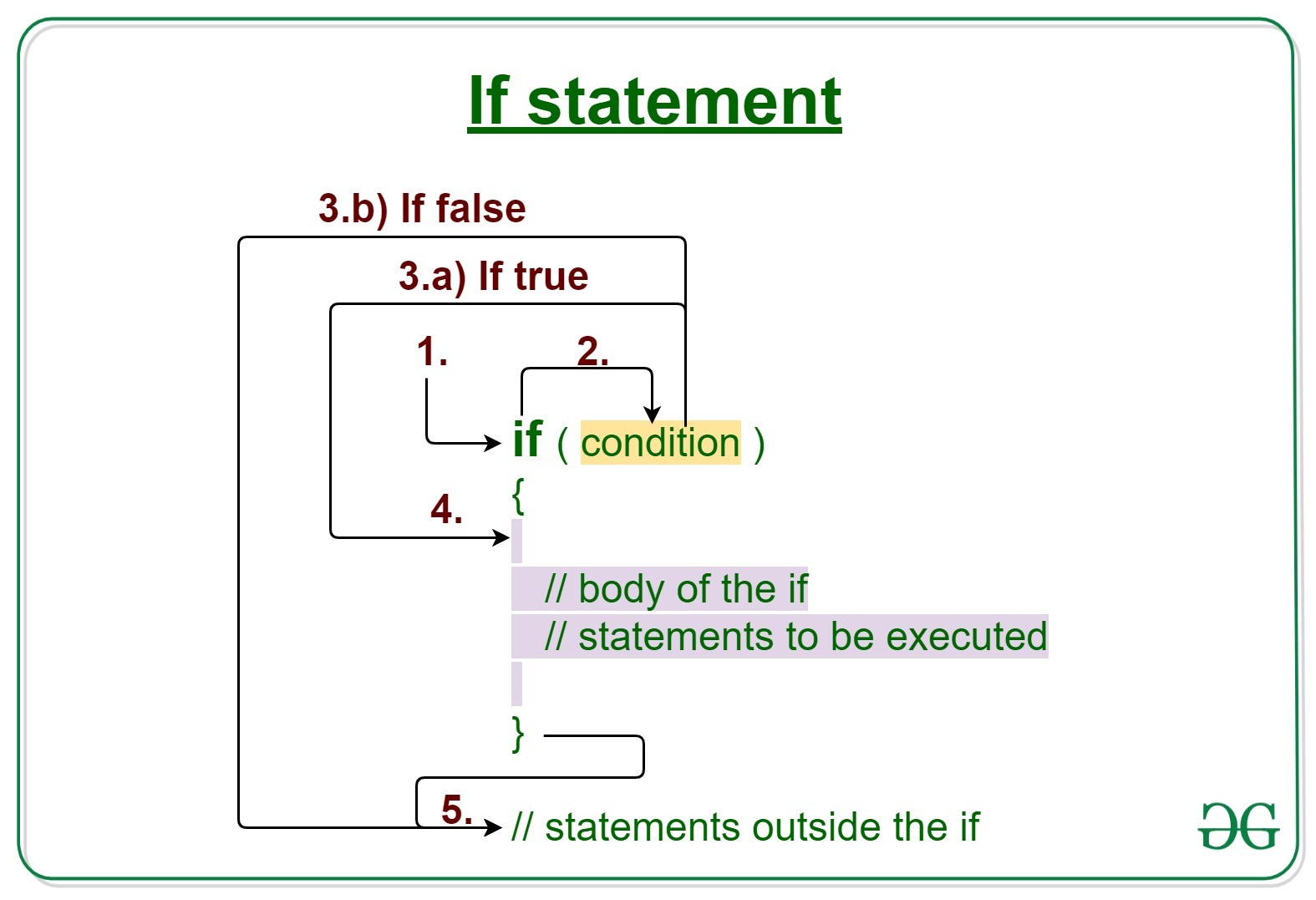
A conditional statement is based on a concept of if/then/else: if a condition is met, then your code executes one or more statements, else your code does something different (or just skips the step)
COMPARISON OPERATORS: EVALUATING CONDITIONS
You can evaluate a situation by comparing one value in the script to what you expect it might be. The result will be a Boolean: true or false.
See the picture to get to know it and know the name of each one and its function with examples

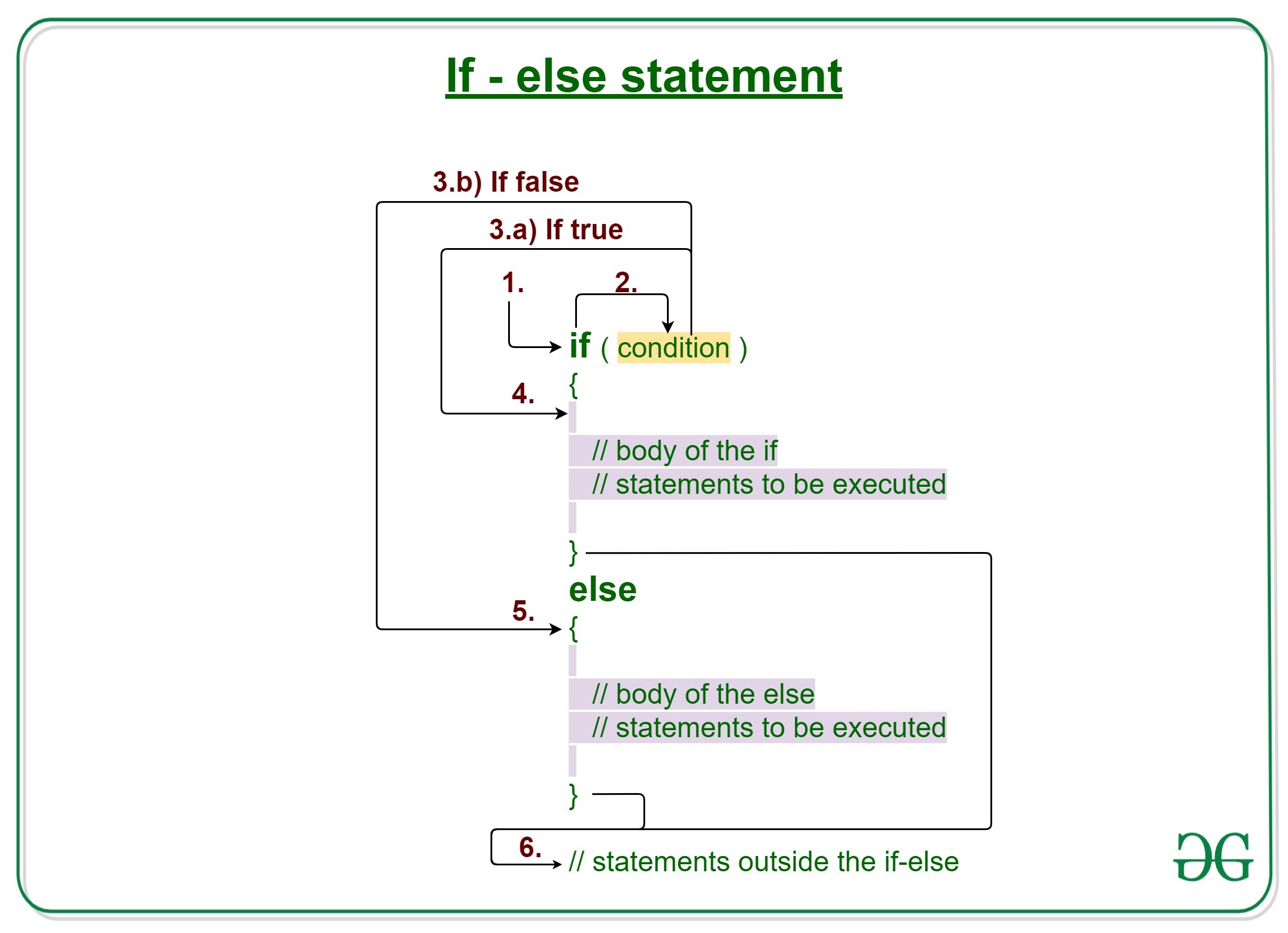
if else statment
Here you can see that an if…else statement allows you to provide two sets of code:
- one set if the condition evaluates to true
- another set if the condition is false